One unread article at a time.
Oldest first. Keyboard all the way. Onward is a small reader for your Miniflux or FreshRSS server that shows the article and nothing else.
Install
This page works like the app. Press j to read on.

Oldest first. Keyboard all the way. Onward is a small reader for your Miniflux or FreshRSS server that shows the article and nothing else.
Most feed readers give you three panes and a wall of headlines. Onward shows just the article. Pick a feed or a category and it opens on the oldest unread item. Press j: that item is marked read and the next one is already there, images and all.
When the list runs out, Onward asks your server once more for anything that arrived while you were reading. If nothing did, you’re all caught up, and j goes on to the next feed with unread items.
Items you’ve read stay out of the way. Press k to go back to one you just passed, or h for everything you’ve read, newest first, with all the same keys.

Your feed server fetches the feeds and remembers what you’ve read. Onward is a thin client with no local database, so the window and the terminal always agree on where you are.
Miniflux gets everything. The others connect over the Google Reader API, which can’t do a few things, such as asking for the full article or a refresh. The README has the list.
If you use Readeck, press b to save the article there, mark it read and move on.
The window is Qt Quick on Linux and SwiftUI on macOS, over the same Rust core. Articles are laid out as native text and images, not in a browser engine.
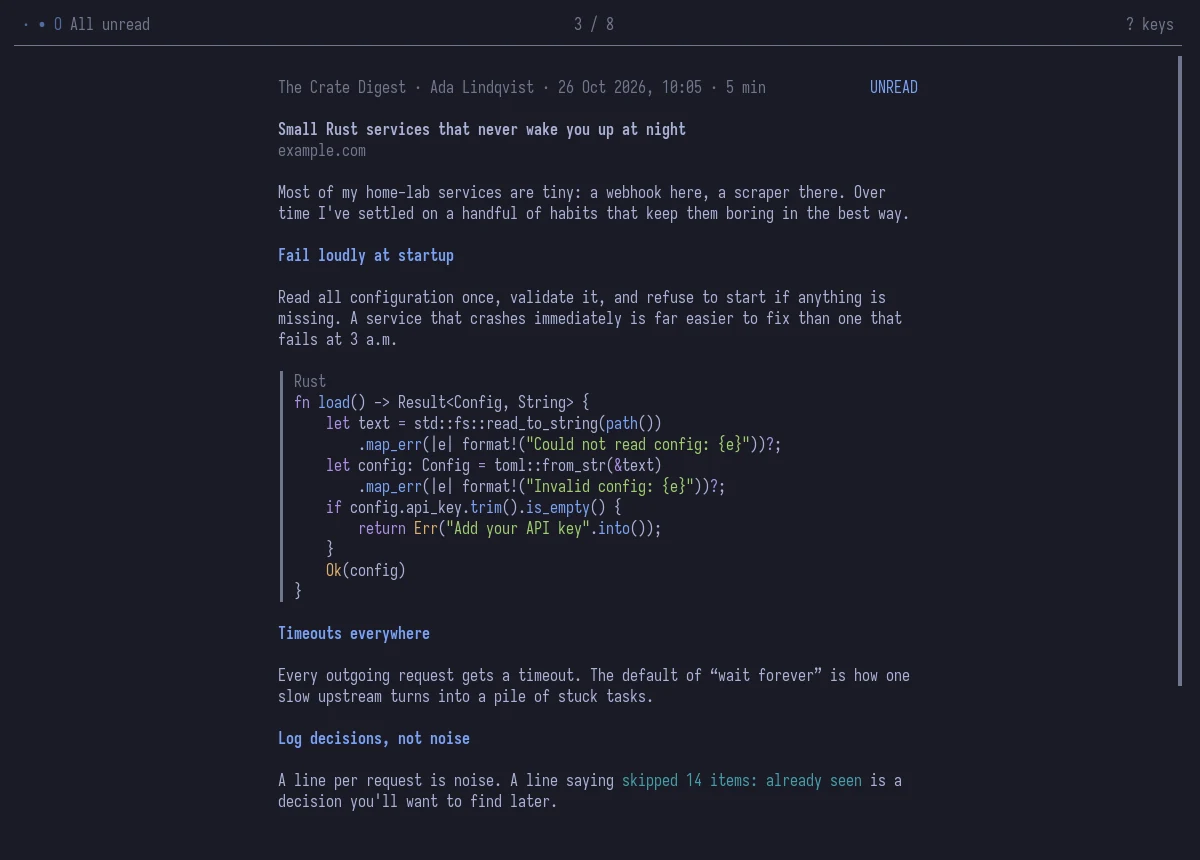
Only a small set of tags makes it through, so scripts, styles, forms and tracking attributes are gone, and nothing in an article can run. Every link opens in your own browser. Code is highlighted in the theme’s colours.

On Omarchy, the colours, the UI font and the window rounding change the moment you switch themes. You can also pick Onward Dark or Onward Light in Settings and keep the logo’s colours. On macOS it follows light and dark mode, and from macOS 26 the Dock icon does too.
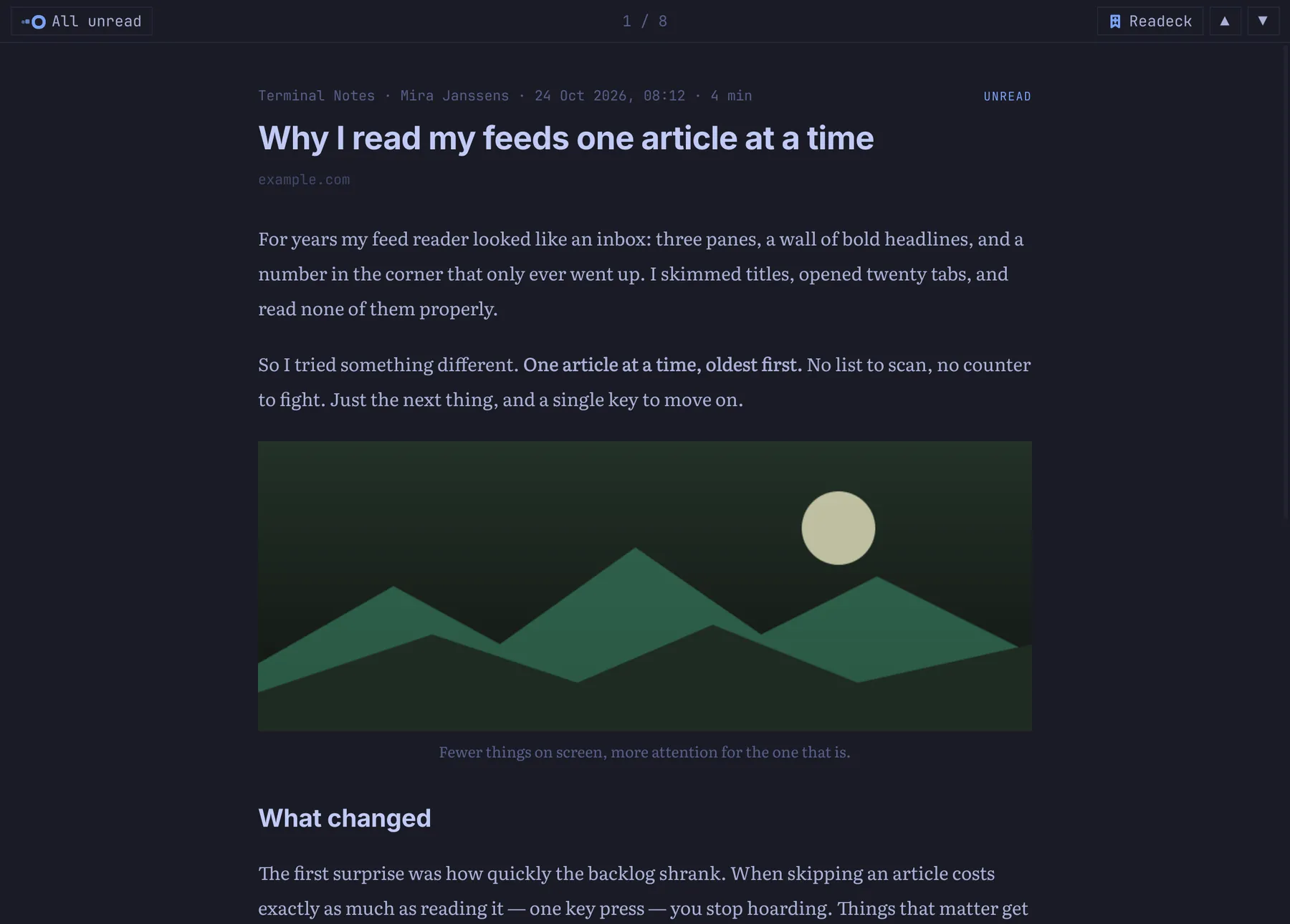
onward-tui is the same reader, filling your terminal, on Linux and macOS, locally or over SSH. It needs neither Qt nor a desktop, and it gives the terminal back as it was when you quit.
The colours are your terminal’s own. Pictures appear in the article, as real images in foot, Ghostty, kitty, WezTerm and iTerm2, and in half-block characters everywhere else.
That’s everything. Here’s how to get it.
Download the .pkg.tar.zst from the latest release, then install it. This gives you the window and onward-tui.
sudo pacman -U onward-*-x86_64.pkg.tar.zst
Build it from source, which takes a few minutes. You need macOS 15 or later, Xcode or its command line tools, and a current stable Rust.
git clone https://github.com/kletse/onward-rss-reader.git
cd onward-rss-reader
packaging/macos/build-app.sh
cp -r "packaging/Onward.app" /Applications/
On Linux or macOS, with a current stable Rust. This puts onward-tui in ~/.cargo/bin.
git clone https://github.com/kletse/onward-rss-reader.git
cd onward-rss-reader
cargo install --path . --no-default-features --features tui --locked
A welcome screen asks for your server’s address and API key, and checks them before saving anything. To look around first, start it with sample feeds: nothing is marked read and no server is needed.
ONWARD_DEMO=1 onward
Not in scope, at least for now: managing feeds (use your server’s web interface), starring, offline reading and notifications.